My team of one: how I run marketing ops with a crew of AI agents
Running marketing operations with a crew of AI agents: roles, guardrails and the lessons from five months in.
Five months ago I started working out how to build agentic workflows into my marketing operations job. Outside work I use AI a lot, for coding and for creative projects. But that is very different from building, inside an established company, an operations team that can support more than 30 people.
In this post I'll walk through how the crew is set up, how work moves between them, how I keep an eye on it, and what I've learned along the way.
Why a team is a different job from a personal workflow
In a personal AI workflow, you don't have to think much beyond getting a good result for yourself. You are the only user, so you always know what you meant. If something breaks, you notice it and fix it. The data is yours, the agent can have access to everything, and if a run costs more than planned, it comes out of your own budget.
Building a team that works with the outside world is a different job. Here is what changes:
- Access. Every agent should only have the tools, data, and permissions its job needs. OWASP lists "excessive agency" (an agent with more functionality, permissions, or autonomy than it needs) among the top risks for applications built on large language models (1).
- Other people. Thirty colleagues don't share my context. Requests arrive half-formed, outputs need to be explained, and the work has to fit into the channels people already use, like Slack, email, and meetings.
- Approval. Anything that leaves the team, whether it's an email, an ad or a post, gets a human check first.
- Rules. Every market has its own laws and regulations, and the brand has its own guidelines. Both apply to everything that goes out.
- Traceability. Work has to be repeatable, and someone has to be able to see who did what, and why.
- Cost. A few extra tokens don't matter for one person. Across a whole team running every day, they add up fast.
What the team has to deliver
To support the marketing department, the crew has to cover seven needs:
- Cut the cost and time of creative production.
- Analyse performance and attribution from several angles.
- Track performance across different products at the same time.
- Optimise campaign performance on its own, learning from results the way reinforcement learning does.
- Check compliance automatically.
- Run a steady stream of external research.
- Build simple internal tools when we need them.
The setup in this article runs in Grok Bot, and it can also work with other teams' Claude agents.
Meet the crew
I split the work the same way I'd split a human team -BAU and Production.
BAU stands for "business as usual". It's the everyday running of the shop, the work that has to happen whether or not anything exciting is going on. Production is where we build new things.
On the BAU side:
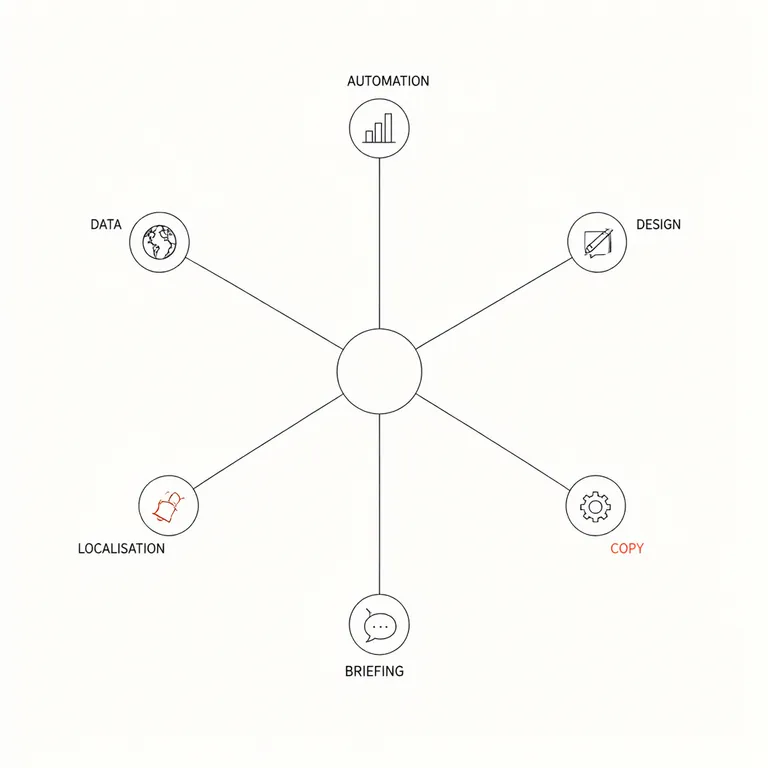
- General manager: talks to me directly and reports back. It breaks work down into tasks, sends each subtask to the right specialist depending on what kind of task it is, and then evaluates how it went.
- Data analyst and data engineer: exports data on a preset schedule from platforms such as BigQuery, Google Ads and Meta, cleans it, re-maps it to our marketing attribution, and analyses it.
- Automation engineer: runs the daily, weekly and monthly jobs automatically.
- Designer: produces images, videos and meeting decks, and is linked to our asset library.
- Copywriter: writes the copy and holds our GEO know-how.
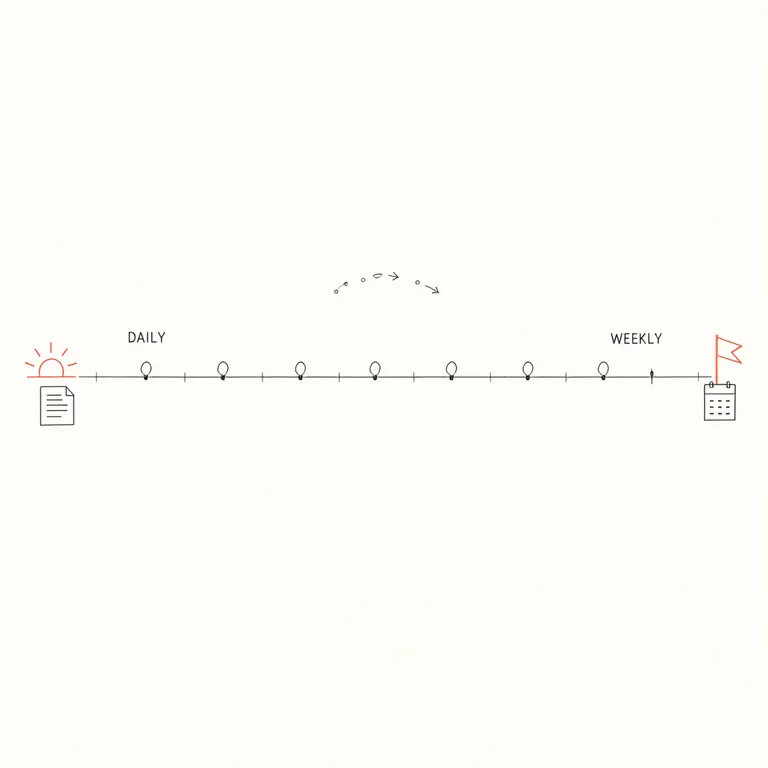
- Assistant: summarises Slack, email and meeting notes into a briefing every morning and a weekly report every Friday afternoon.
- Localisation specialist: gathers intelligence on each market, translates, and checks local laws and market regulations.
Production splits into a tech side and a creative side.
The tech side looks a lot like a small software team:
- A project manager who keeps things on track using a "blackboard" architecture. Instead of agents passing messages to each other one by one, they all read from and write to a shared board (2)(3).
- Developers who build, organised by the kind of work rather than by seniority: mobile, data, desktop and CI/CD, infrastructure, Android, and the agent harness. Each agent tests its own work.
- A product designer who thinks about how it all looks and works for the person using it: the UX, the UI and the flow.
The creative side looks more like a small studio:
- A producer who owns the project: the timeline, compliance checks, handing out tasks and pulling in insights.
- A prompt engineer who writes the instructions that the image and writing tools follow (that's all "prompt" means, really: the instruction you give an AI).
- Designers, grouped by function: Figma and UI design, motion prototyping, video production, presentation decks, copy and more.
- The whole creative team is connected to a central knowledge base. They pull brand assets from it, update content in it, and look things up in it on their own. I go into the knowledge base in more detail in my article on building one shared brain for brand copy.
What I've learned
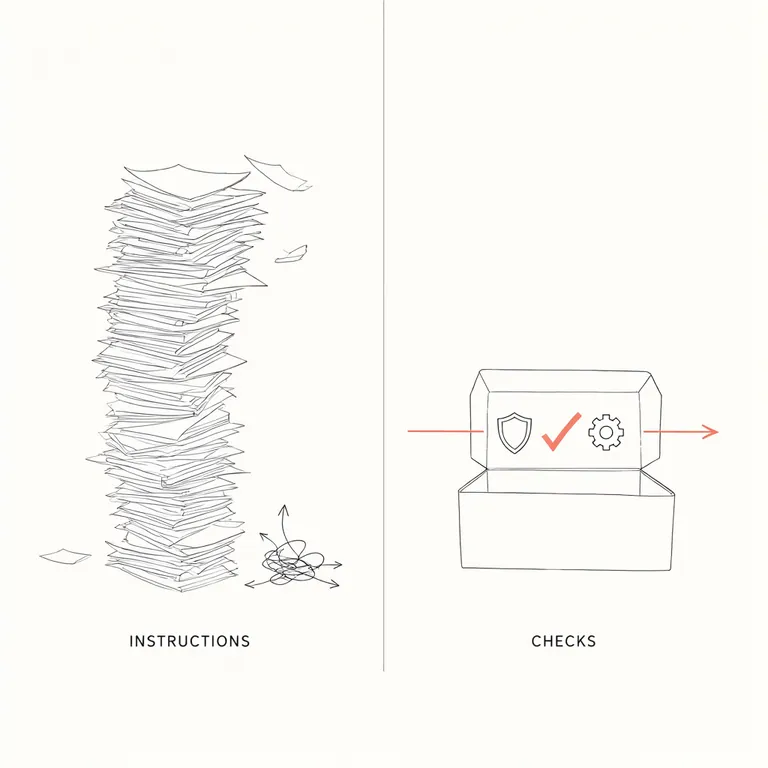
A useful reference point here is the software engineer Lauren Tan, who has worked at Meta, Netflix and Cursor and has shared openly how she works with coding agents. Her approach is to build trust in agents by putting the strictest rules into the system itself, in the form of code design, automated checks and tests, rather than into ever-longer written instructions, and to give agents a way to verify their own work. Only once that inner loop is reliable does she automate the outer loop that keeps feeding them new work, because automating an unreliable process just produces more unreliable work, faster (4). As she puts it: "if you want to go fast, go deep first" (5).
There's no best agent architecture, only the one that fits you best. Still, a few things are worth knowing.
- Don't pile everything onto one agent. Many well-known practitioners warn against it, and there's a simple technical reason. Every instruction, tool and document you give an agent competes for room in the same context window, and models get less reliable as that input grows. Researchers at Chroma tested 18 models and found performance dropped as input length increased, even on simple tasks (6). An agent juggling many unrelated jobs also has more similar-looking tools to choose from. OpenAI, which recommends getting as far as you can with a single agent first, still advises splitting the work when instructions fill up with if-then branches or when an agent keeps choosing the wrong tool (7).
- Cut unnecessary calls. One mistake I made was organising my development team by job title, the way a real team is: junior developer, senior developer, data engineer, algorithm engineer, QA. Then I found that QA used more tokens than any other role. The reason is simple once you see it. To test anything, a separate QA agent first has to rebuild the context the developer already had: read the code, run it, write up what failed and hand it back. The developer then reads all of that and the cycle starts again. Every handoff means re-reading. Anthropic has reported that its agents use about 4 times as many tokens as a normal chat, and multi-agent systems about 15 times as many, and that tasks where agents must share the same context, as in most coding, are a poor fit for splitting across agents (8). After I reorganised the team so that each developer tests its own work, my token use slowed by 20%.
- Use a blackboard. I like a blackboard architecture for communication. The idea comes from AI research in the 1970s and 1980s: specialists don't message each other directly; they all work from a shared board, and a controller decides who acts next based on what's on it (2). Researchers have recently applied the same idea to teams of LLM agents and reported results competitive with other multi-agent setups while spending fewer tokens (3). In my setup, every team has a board that shows the progress of each task and who owns it, and every evening before wrapping up, the team reviews its mistakes.
- Watch tokens and efficiency. That doesn't mean being stingy, and it doesn't mean ignoring tokens altogether. At the end of every week, my three managers report on their team's efficiency, errors, output and token use, and flag any workflow that could be improved.
References
-
OWASP Foundation. (2025). LLM06:2025 Excessive agency. In OWASP Top 10 for LLM applications 2025. OWASP Gen AI Security Project. https://genai.owasp.org/llmrisk/llm062025-excessive-agency/
-
Nii, H. P. (1986). The blackboard model of problem solving and the evolution of blackboard architectures. AI Magazine, 7(2), 38–53. https://doi.org/10.1609/aimag.v7i2.537
-
Han, B., & Zhang, S. (2025). Exploring advanced LLM multi-agent systems based on blackboard architecture [Preprint]. arXiv. https://doi.org/10.48550/arXiv.2507.01701
-
Tan, L. (2026, November 11). All code is slop (except mine) [Conference presentation]. AI Engineer CODE 2026. https://ai.engineer/code/2026/talks/lauren-tan
-
Tan, L. (2026). pstack [Computer software]. GitHub. https://github.com/cursor/plugins/blob/main/pstack/README.md
-
Hong, K., Troynikov, A., & Huber, J. (2025). Context rot: How increasing input tokens impacts LLM performance [Technical report]. Chroma. https://research.trychroma.com/context-rot
-
OpenAI. (2025). A practical guide to building agents. https://cdn.openai.com/business-guides-and-resources/a-practical-guide-to-building-agents.pdf
-
Anthropic. (2025, June 13). How we built our multi-agent research system. https://www.anthropic.com/engineering/multi-agent-research-system